Windows
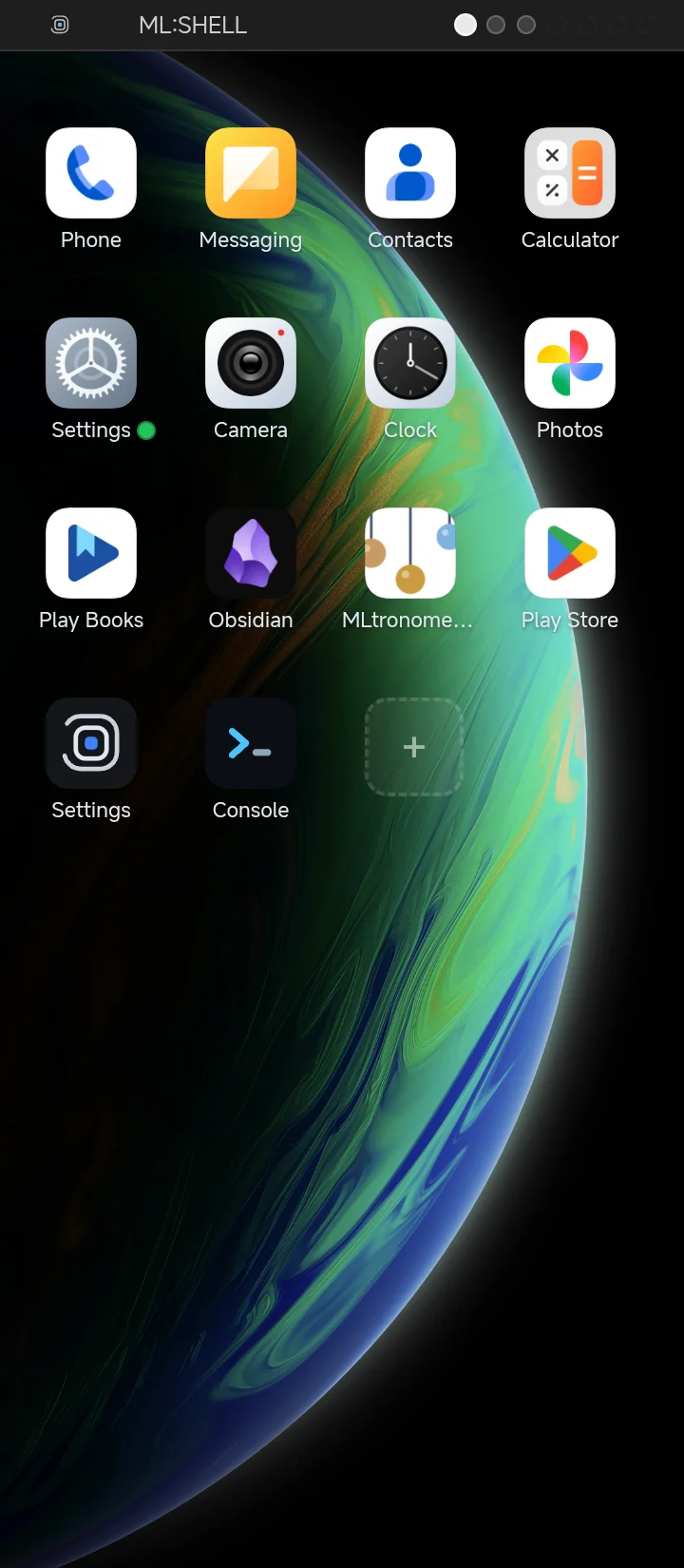
Apps are placed as windows on the desktop. Drag them anywhere, tap to launch, and the HOME button always brings you back to your desk.
Markelangelo Labs product
A free home screen for Android that works like a desktop. Your apps live in windows across multiple workspaces — swipe between desks, tap a window to launch, press HOME to come back.
Features
Apps are placed as windows on the desktop. Drag them anywhere, tap to launch, and the HOME button always brings you back to your desk.
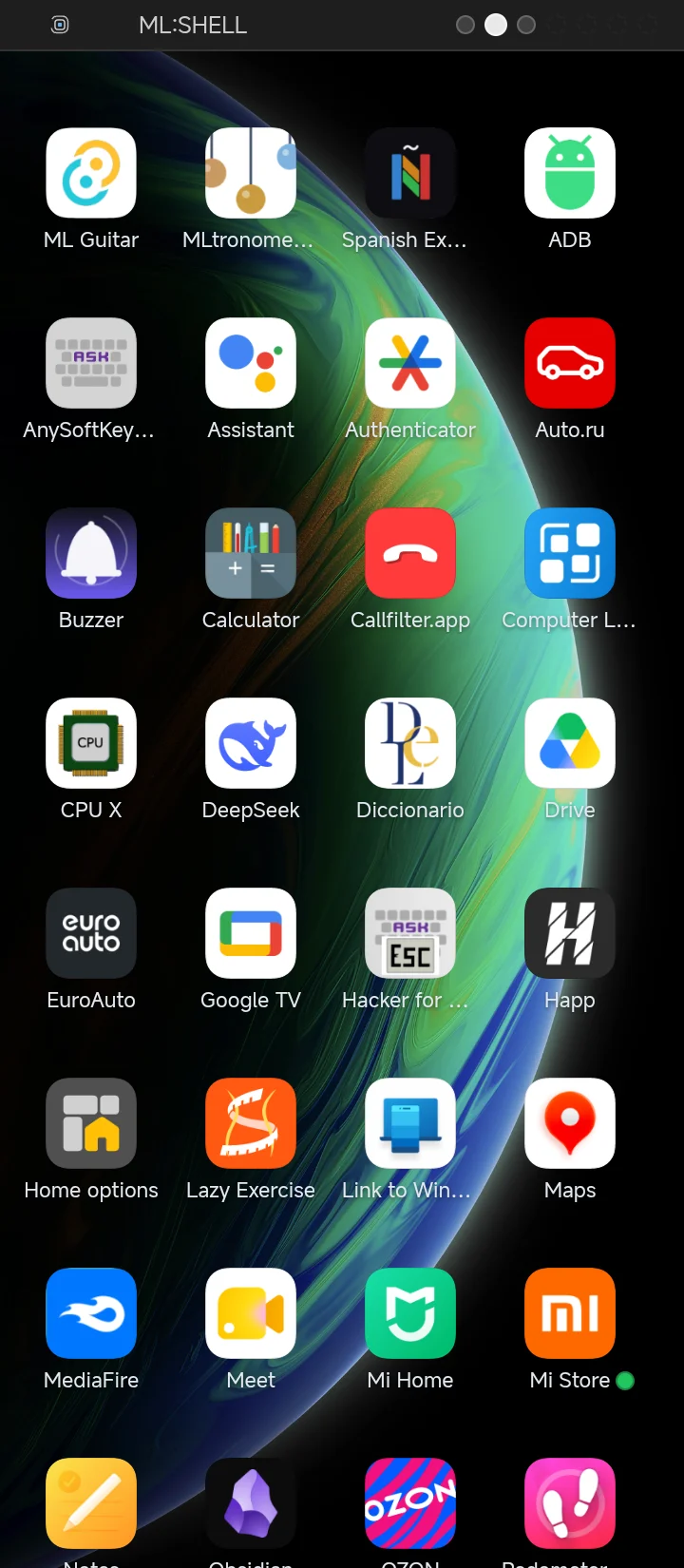
Up to seven workspaces. Swipe left or right to switch between desks and keep work, games and tools apart.
ML:SHELL draws the desktop on a transparent layer over your system wallpaper, so the launcher blends into the OS instead of fighting it.
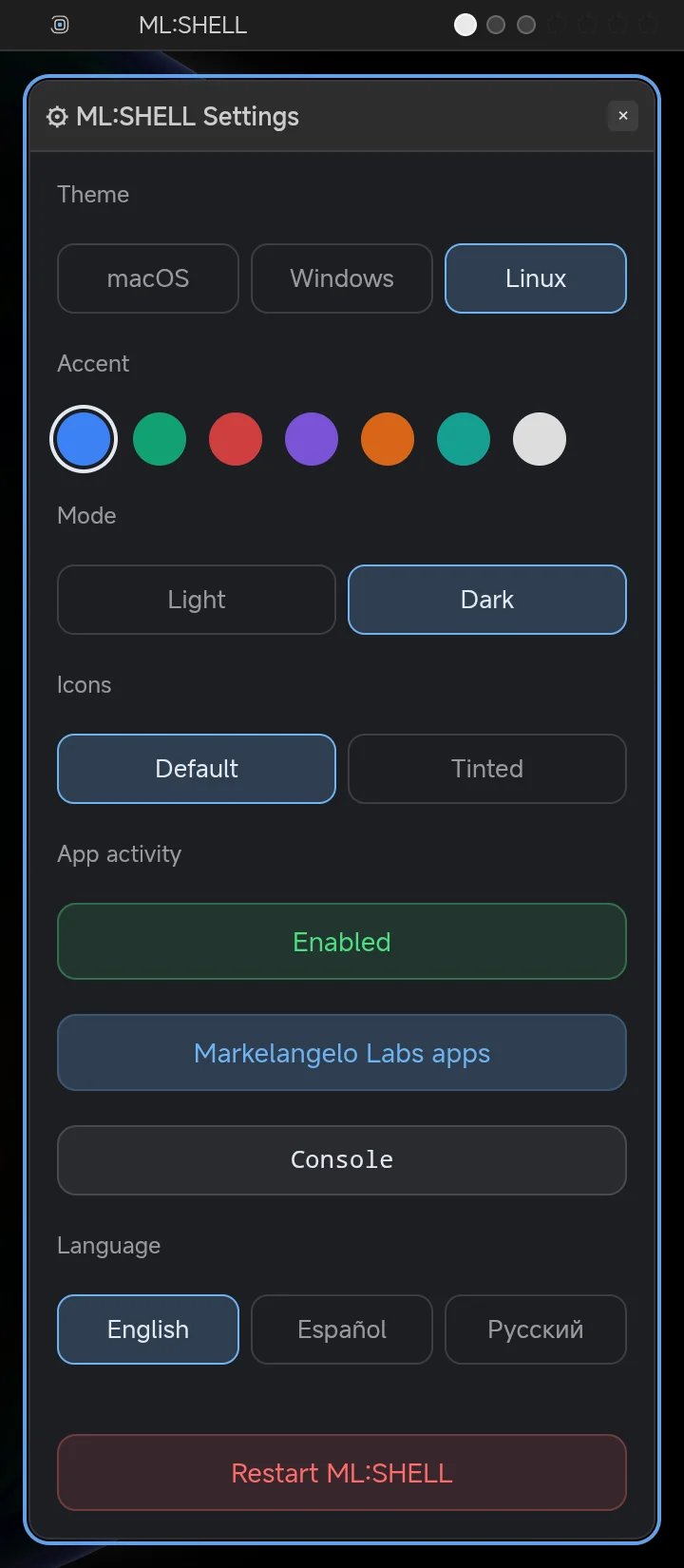
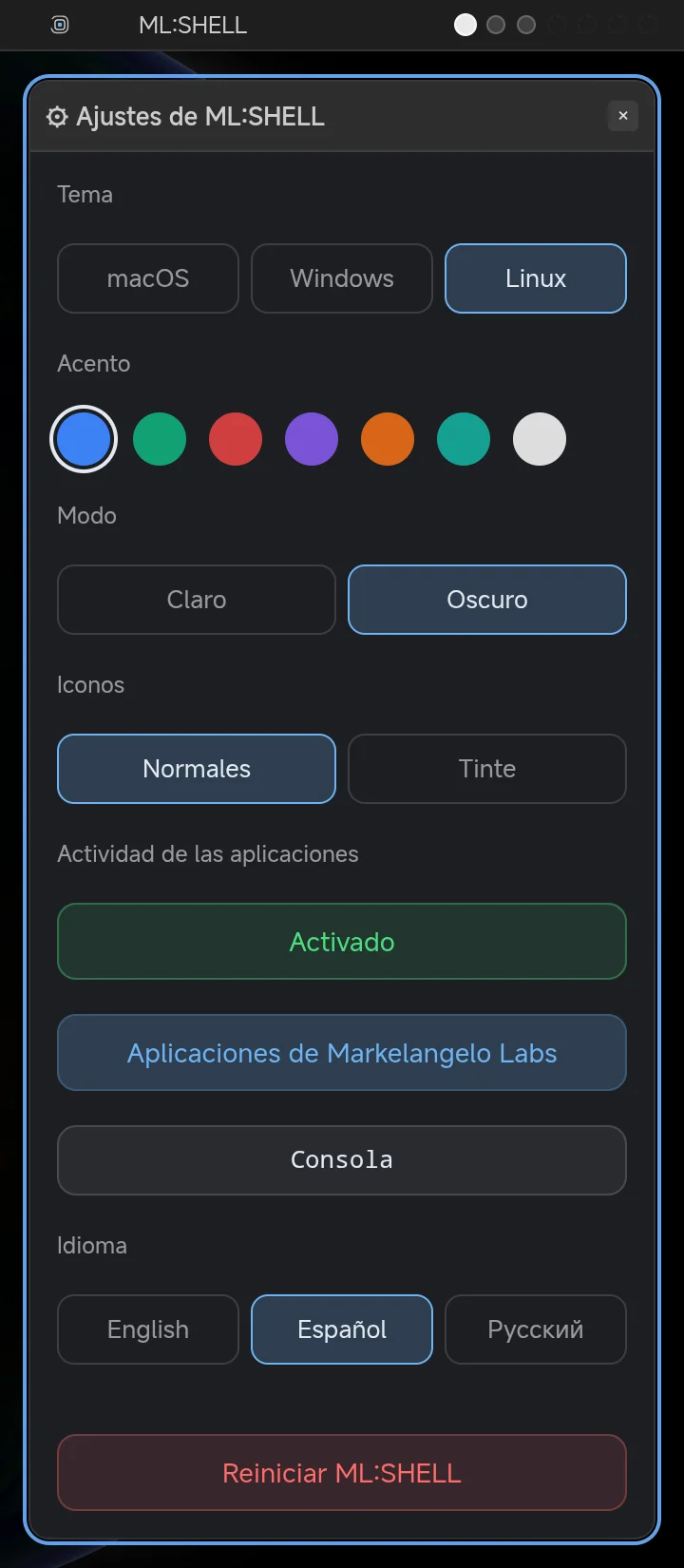
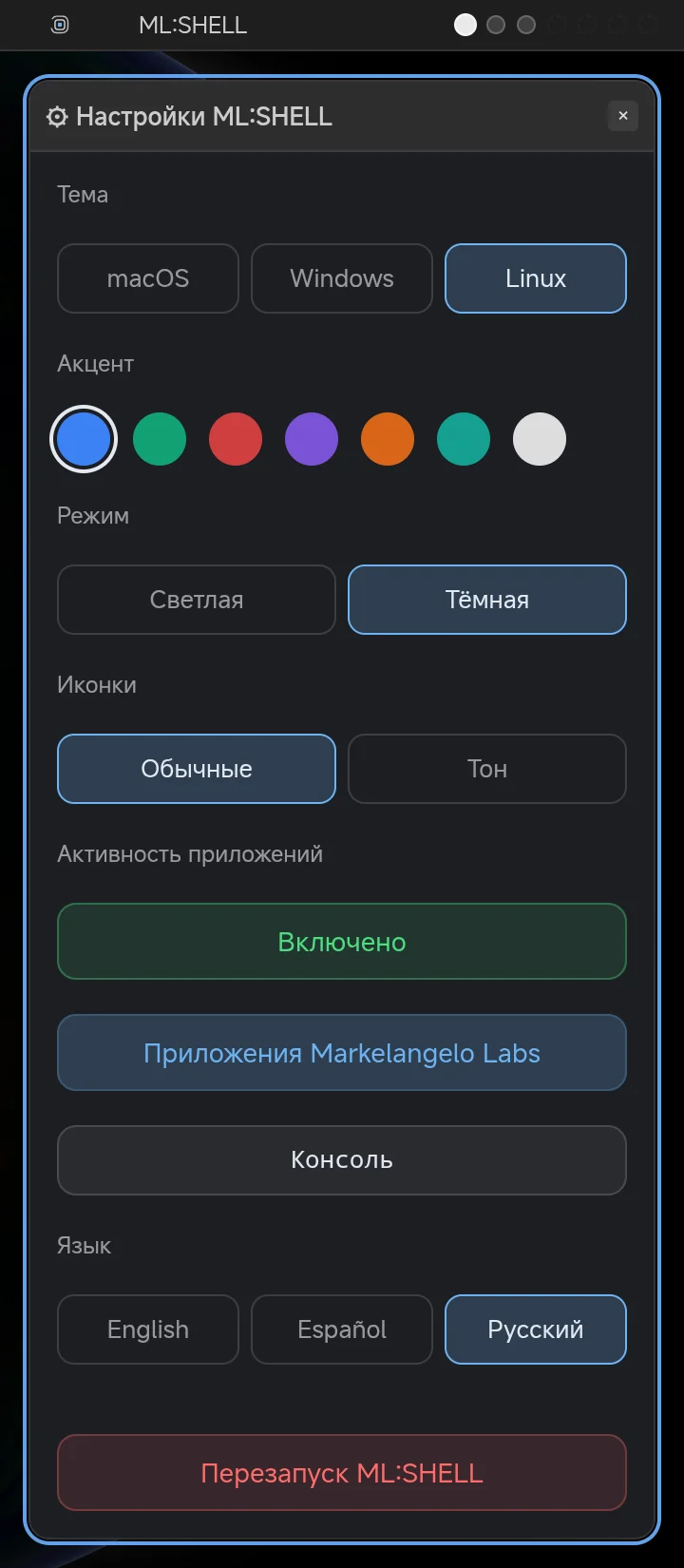
Switch app icons to the monochrome themed look in one tap — the way icon packs are meant to look on modern Android.
Windows in macOS, Windows or Linux style, light and dark mode, accent colors, adjustable grid density and icon size.
The whole interface switches between English, Español and Русский in one tap — no system restart needed.
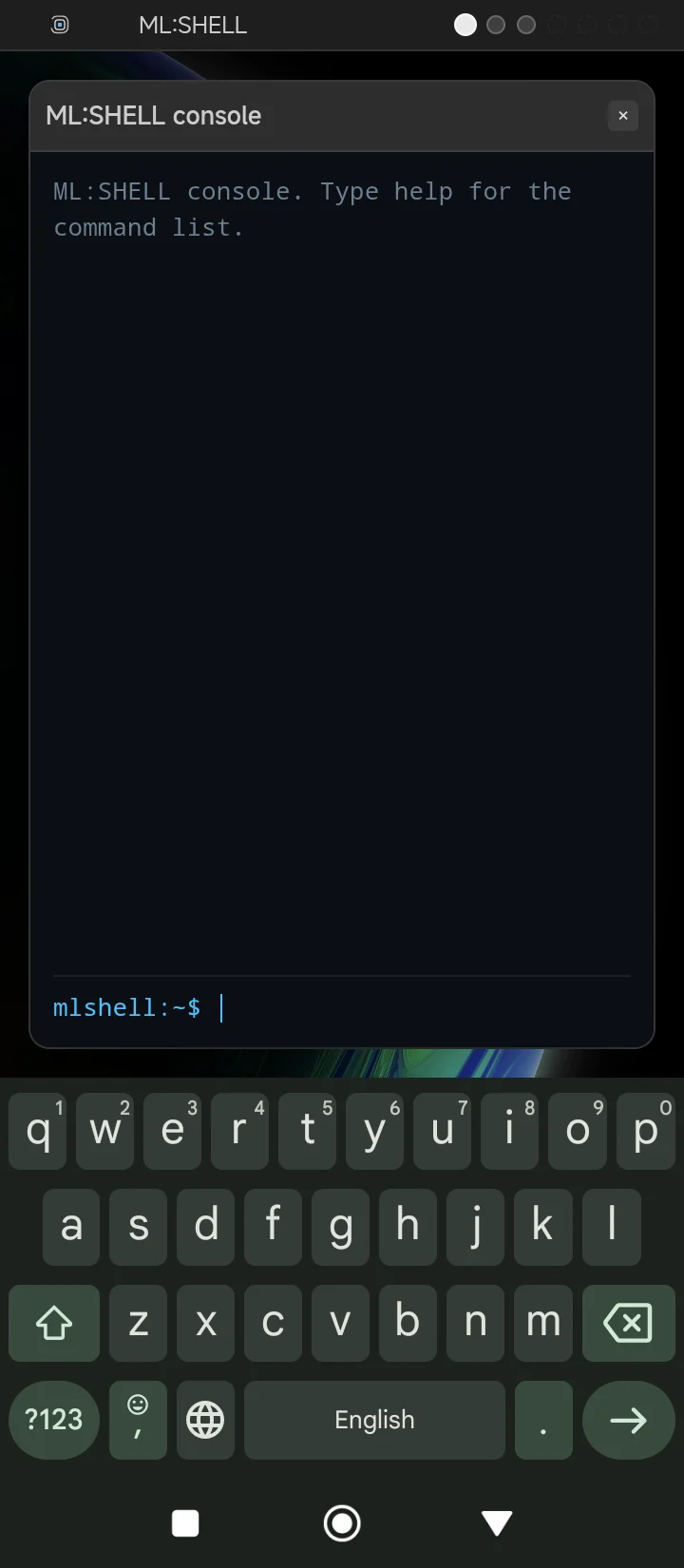
A terminal-style console window on the desktop: launch apps and change shell settings by typing commands.
No account, no cloud, no tracking. Your layout and settings stay on your device.
Screenshots
Download
ML:SHELL is free, with no ads and no in-app purchases.
Free
The app is installed directly from the APK file — allow installing from unknown sources in your system settings. Store listings are on the way.
Changelog
The shell checks this list on its own and tells you when a new version is out.
FAQ
After installing, press the HOME button — Android will offer to choose a home app. Pick ML:SHELL once and it becomes your desktop.
Everything stays on your device: the desktop layout and settings are saved locally. No account, no cloud, no tracking.
ML:SHELL reads the real icons of your installed apps, including the monochrome layer of adaptive icons — the Tinted mode uses it for a themed look.
Yes. ML:SHELL is free, with no ads and no in-app purchases.